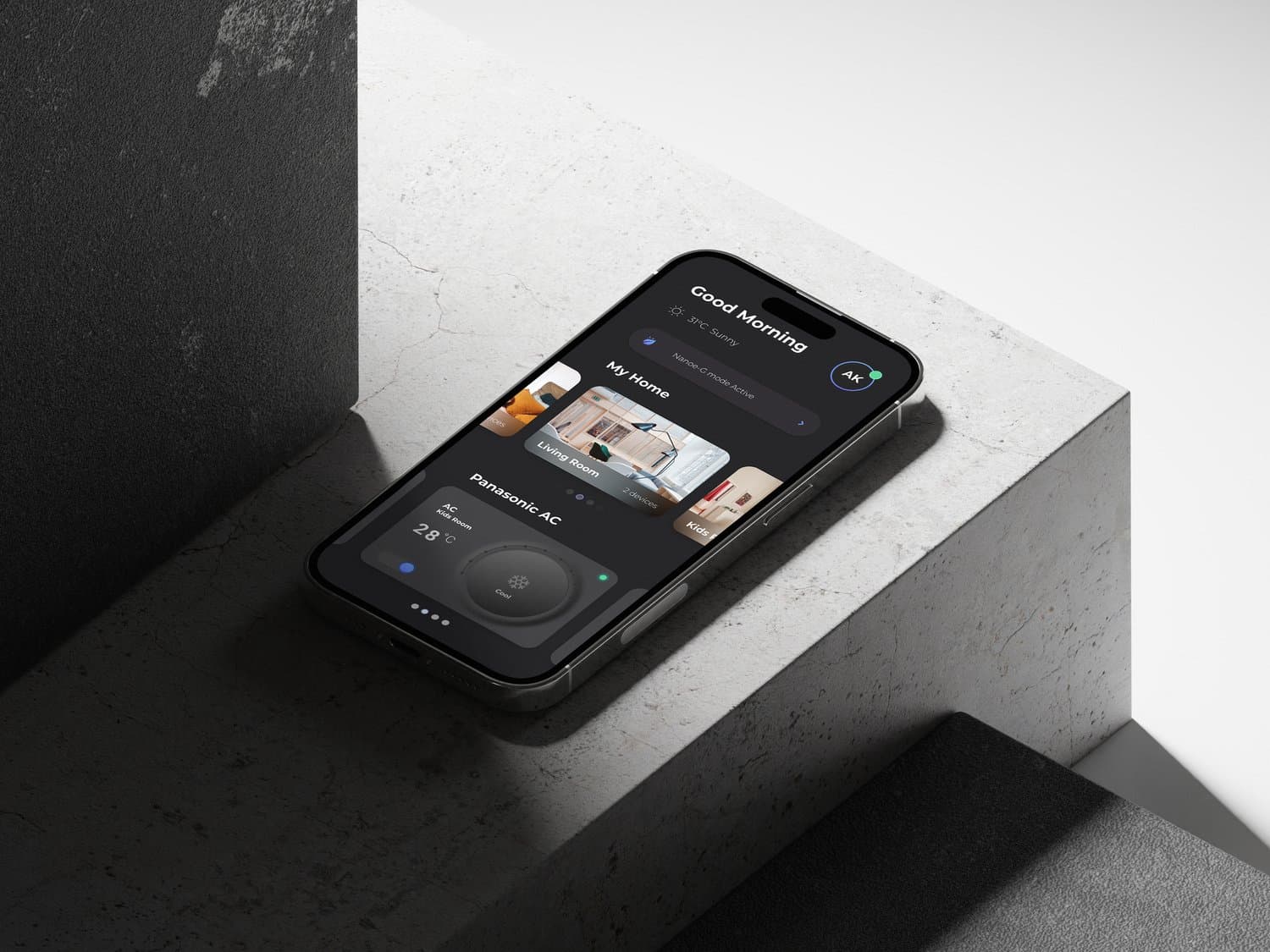
Panasonic Miraie.
Designed a smart-home experience that made advanced controls approachable for Indian households.
- Duration
- May-Aug, 2023
- Client
- Panasonic
- Category
- Product Design
- Year
- 2023
Overview
A local smart-home experience with global product standards
Panasonic needed a connected-home product that could serve families who were new to smart devices while still supporting richer automation and appliance intelligence. I led the design process from research synthesis through interaction definition, aligning multiple partner teams around a staged product experience: simple controls first, advanced capability when the user was ready.
Context
Connected living had to start from everyday habits
Miraie was not simply a remote control for appliances. It had to help households move from occasional device control to confident connected-home behavior across routines, rooms, and family members.
The challenge was especially local: many users were new to smart-home systems, devices had to perform on lower-end phones, and the interface needed to feel modern without asking people to learn an abstract control language before they could complete a basic action.
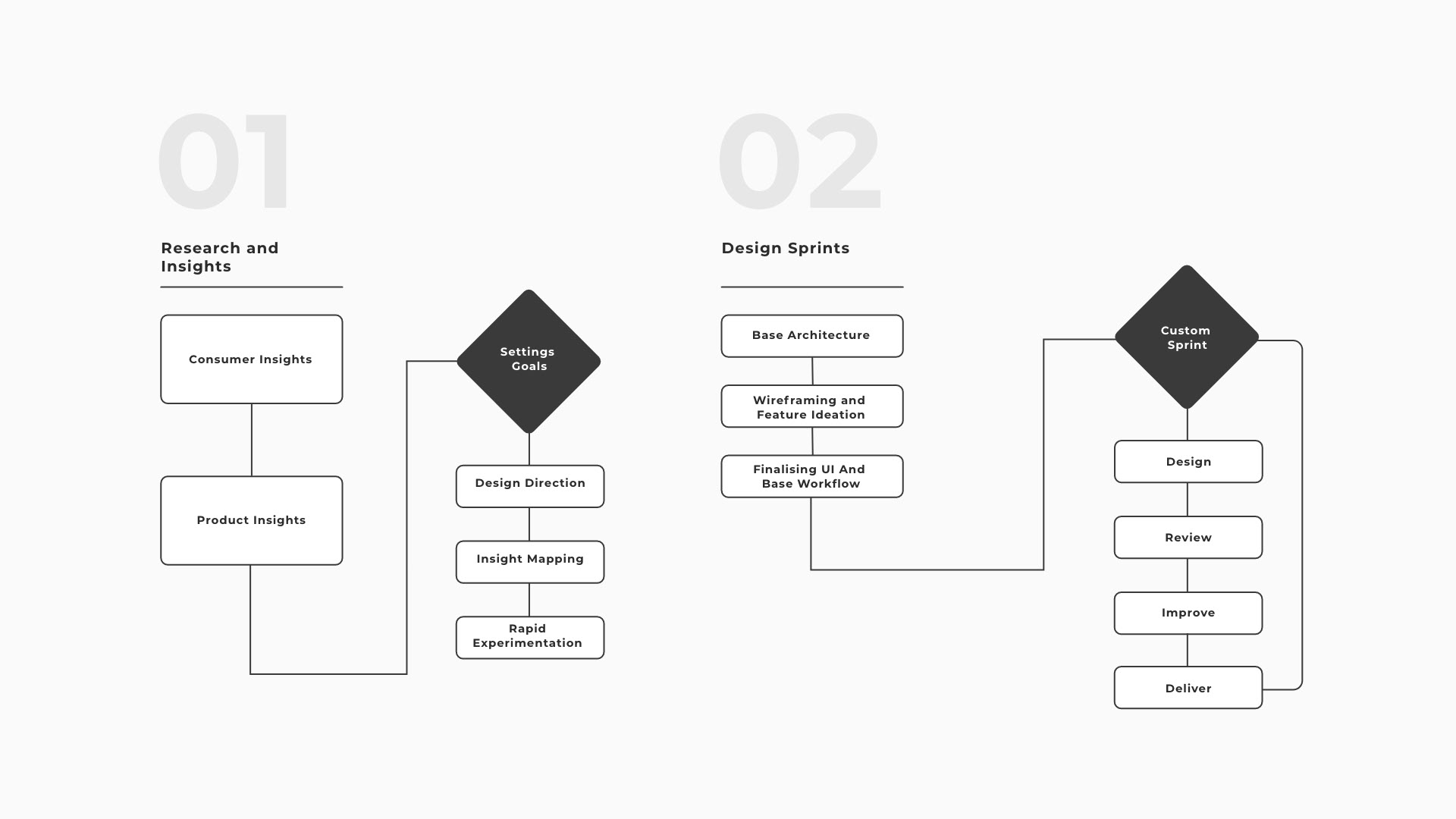
A delivery model built around decisions, not decoration
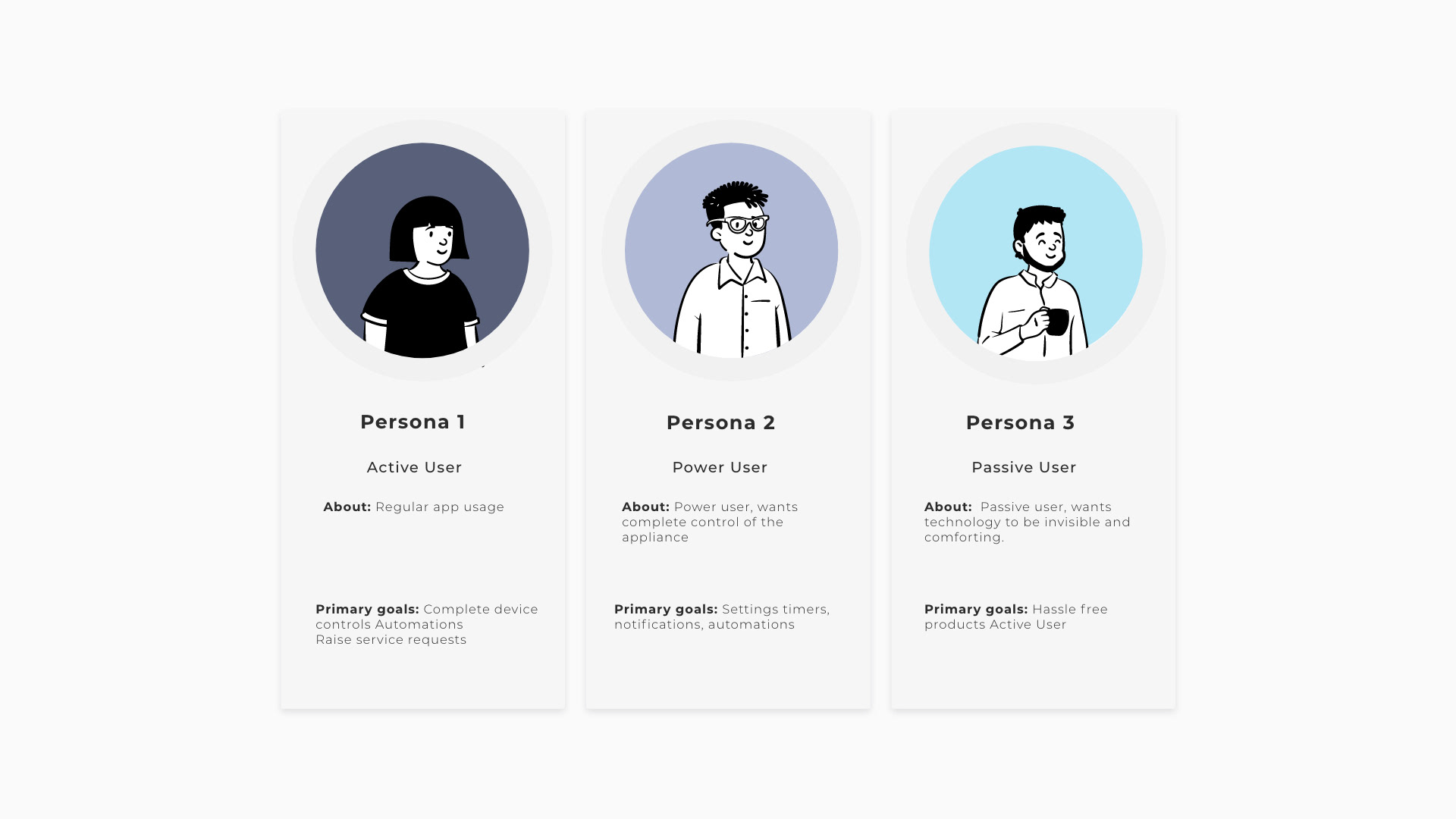
Segmenting active, passive, and power users
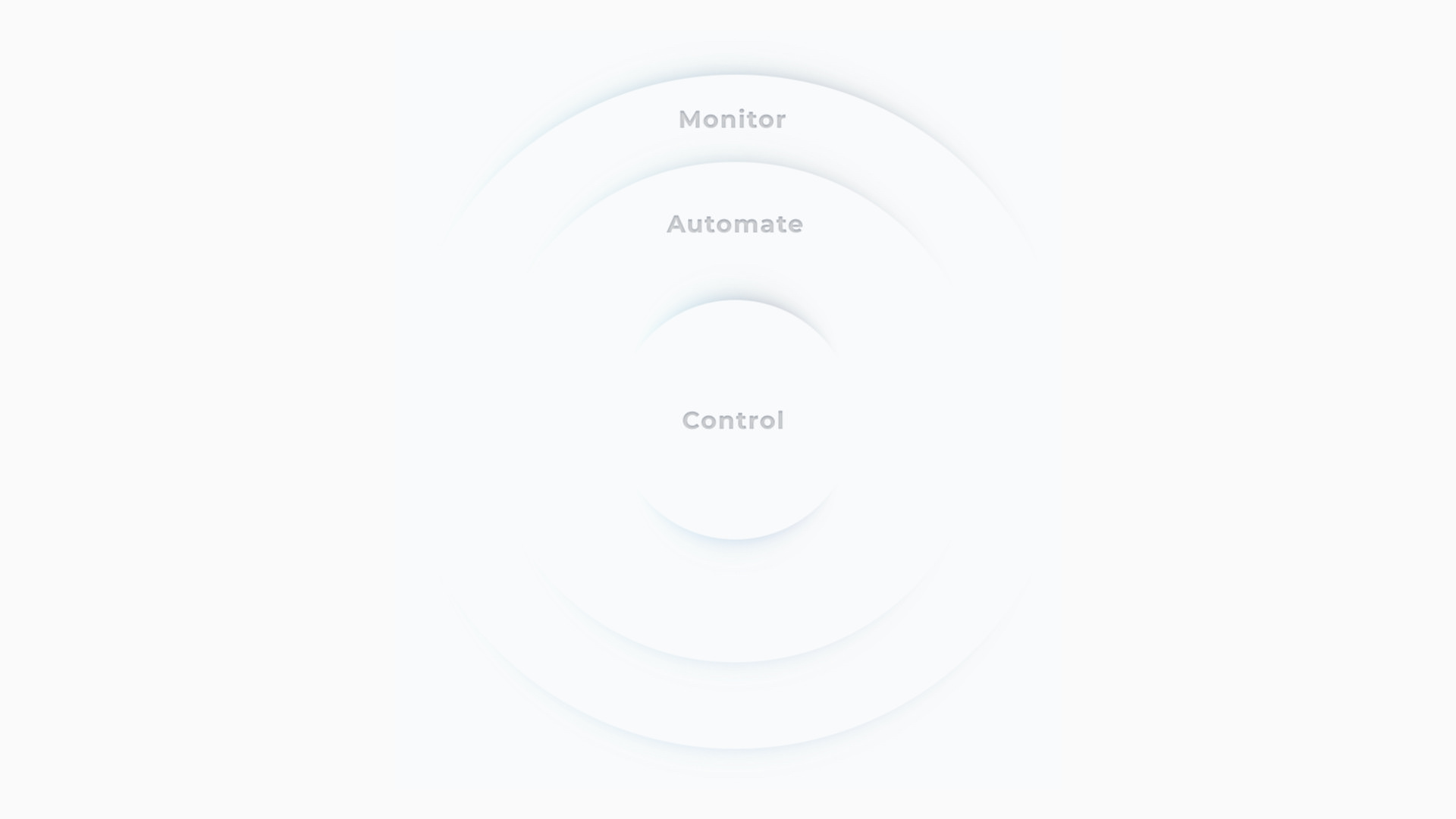
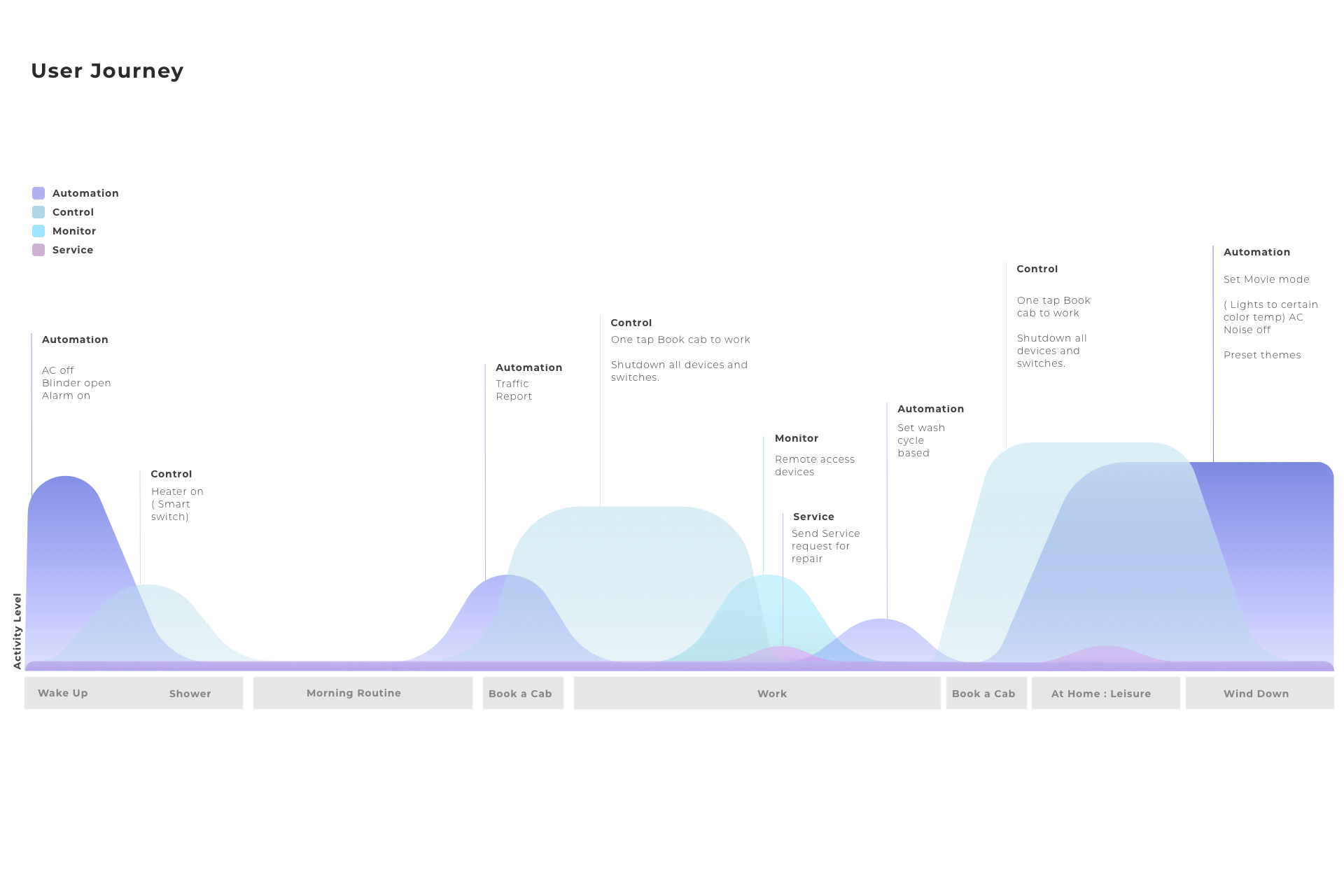
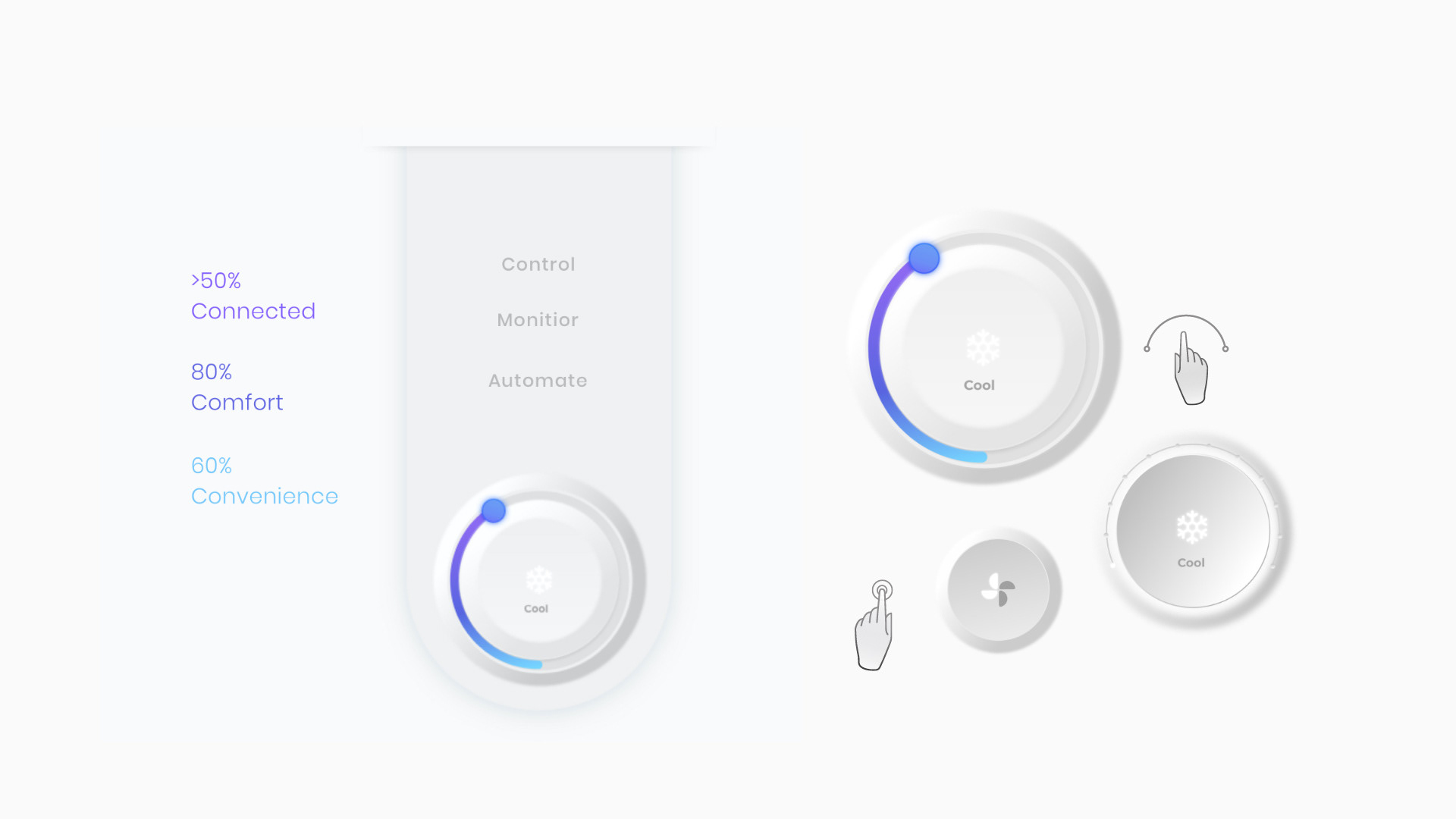
Control, monitor, automate
Designing for a full day of household use
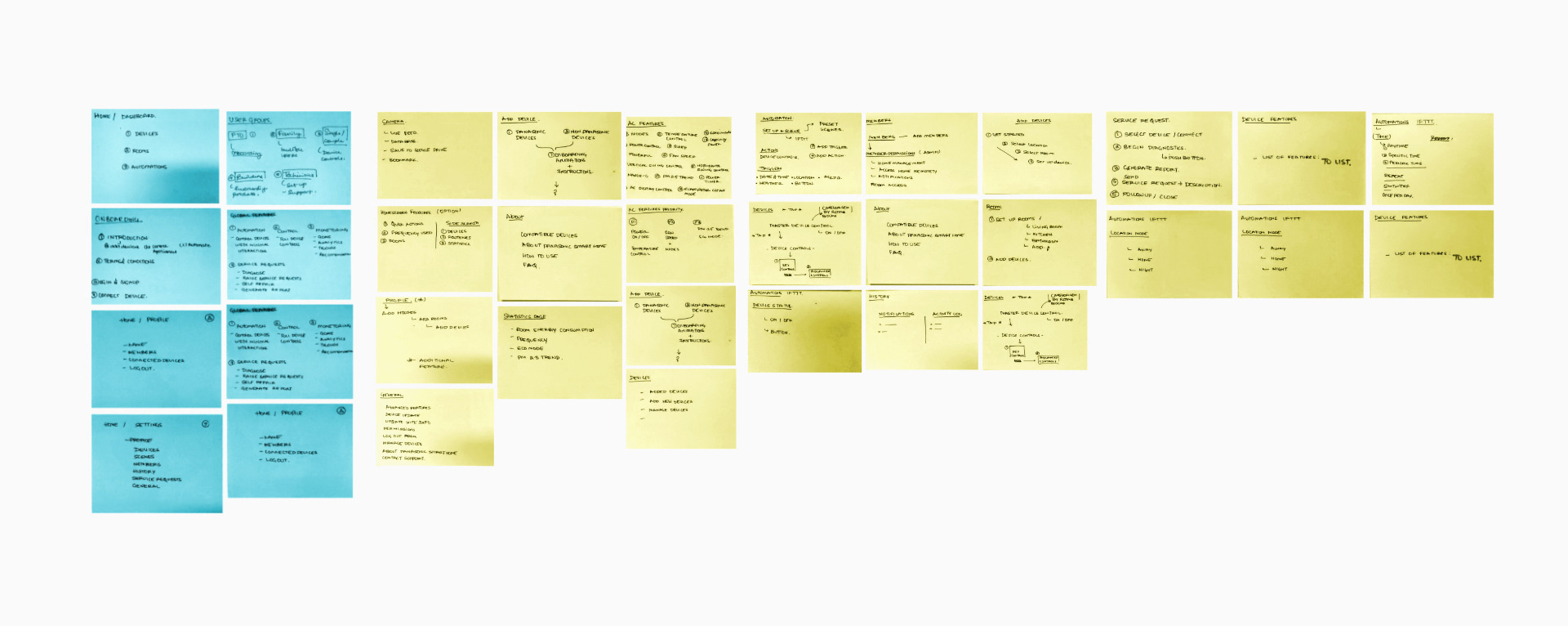
Turning leadership sessions into flows
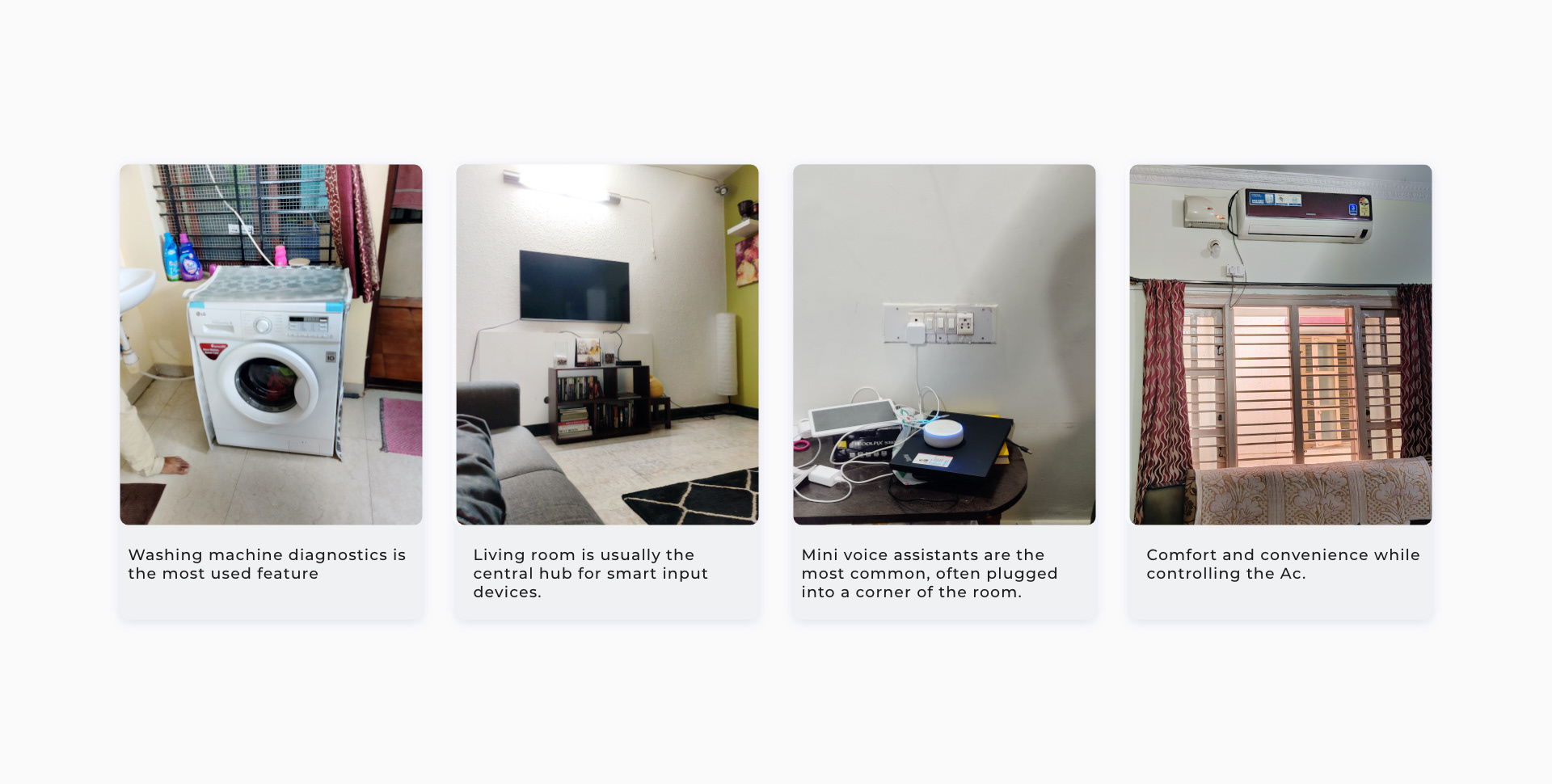
Designing with adoption realities
Homes shaped the product, not benchmarks alone
Testing physical metaphors before committing
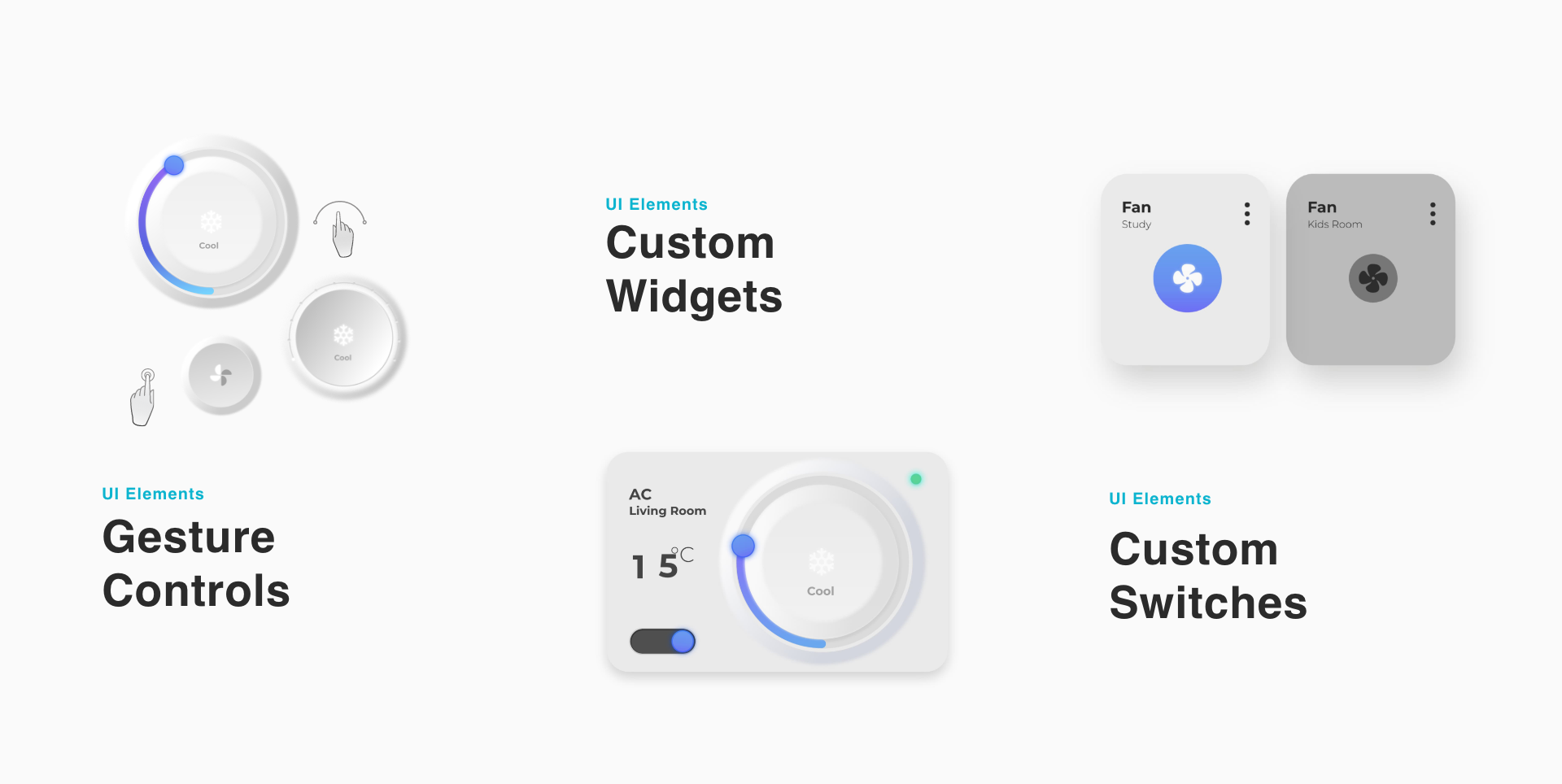
Digital controls that borrowed from the home
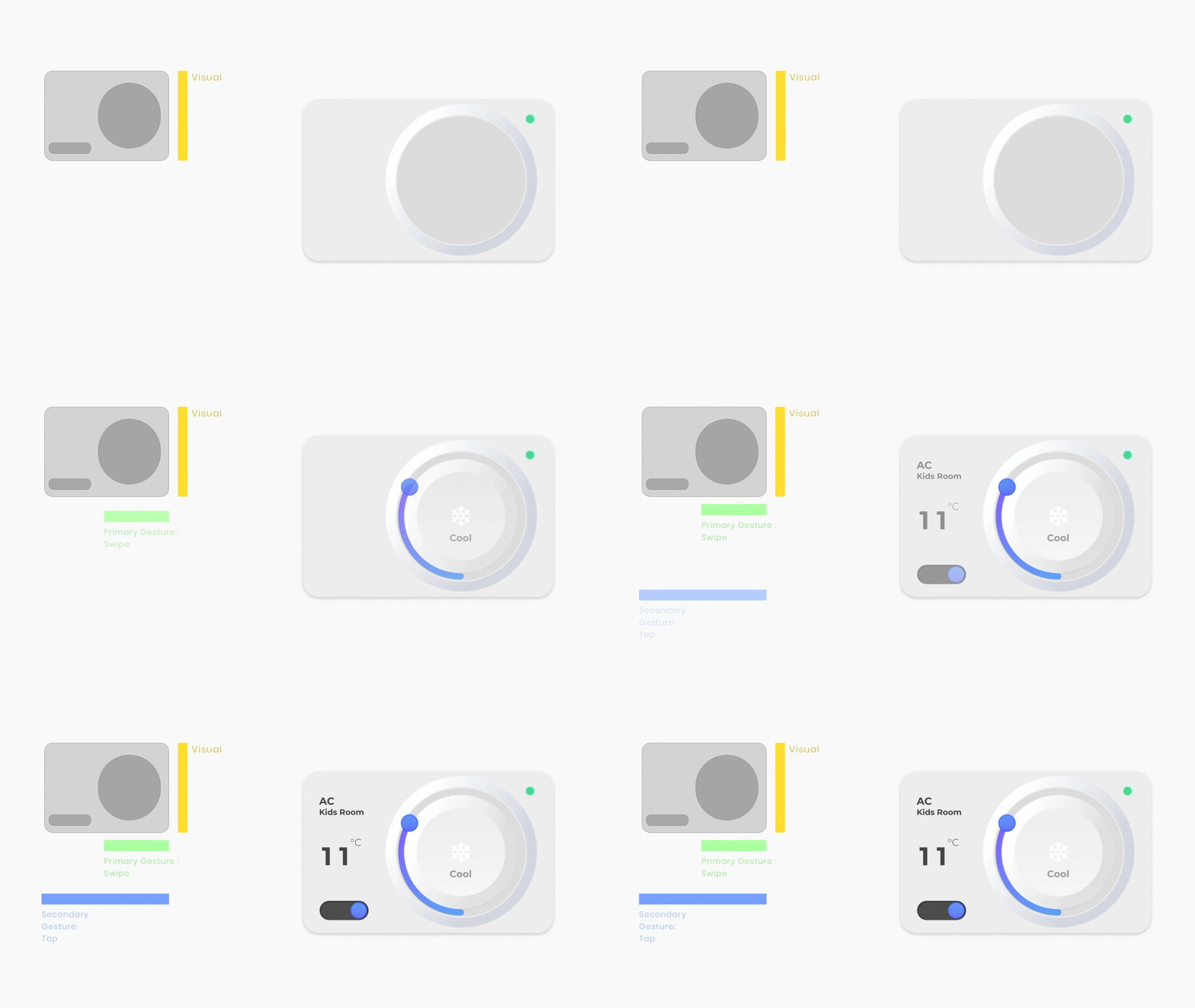
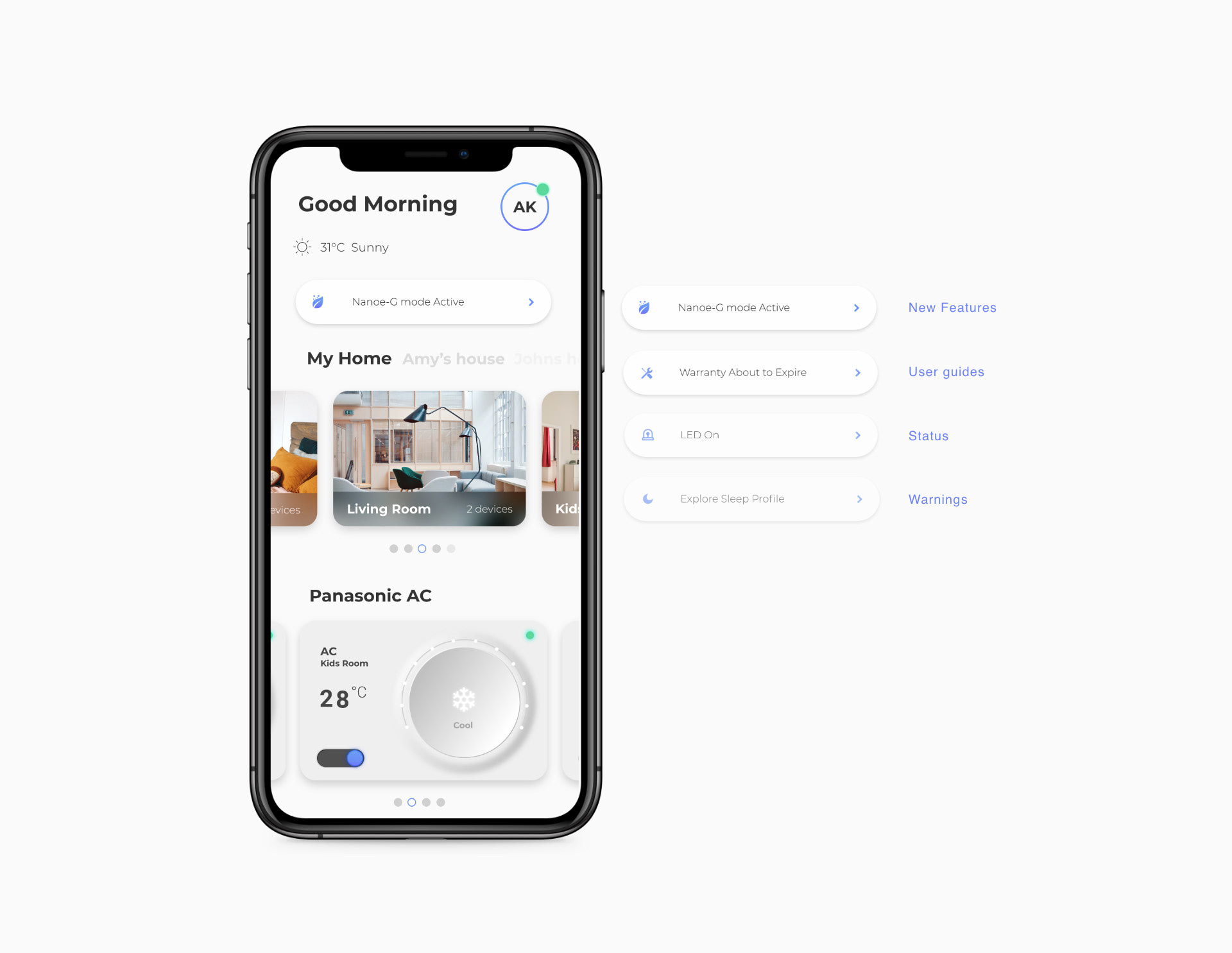
A dashboard for different levels of intent
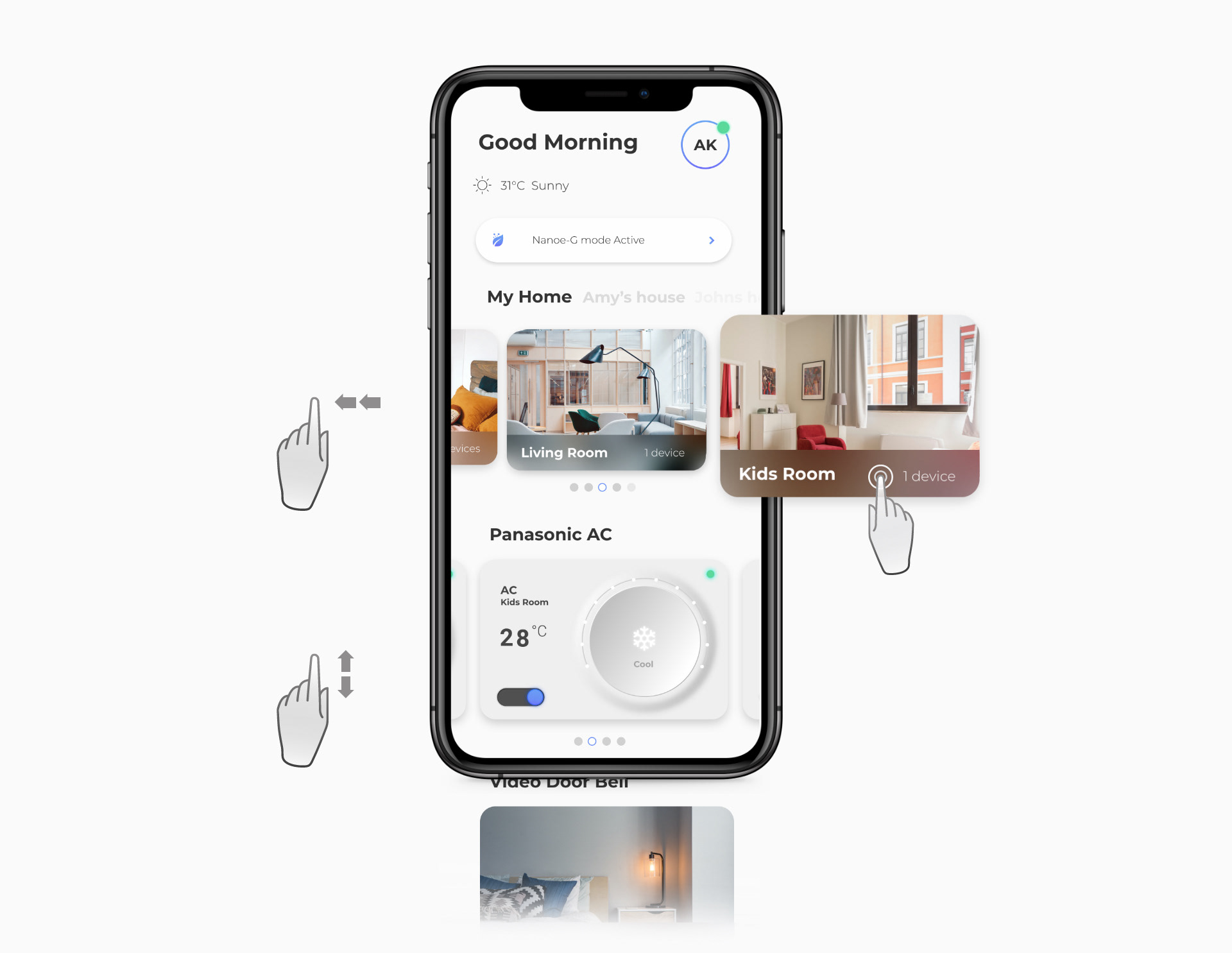
Room and device access without heavy menus
Reflection
What made the system stronger
The strongest design decision was the staged capability model. By clarifying what belonged to first use, daily use, and power use, the team could make a capable smart-home system feel understandable without stripping away its depth.
For portfolio representation, this case should lead with the product proof and then show the research/process evidence as decision support. The Webflow assets are strongest when they are treated as evidence chapters: personas, interaction hierarchy, field research, validation, widgets, gestures, and nudges each answering a specific design decision.
Finnable.
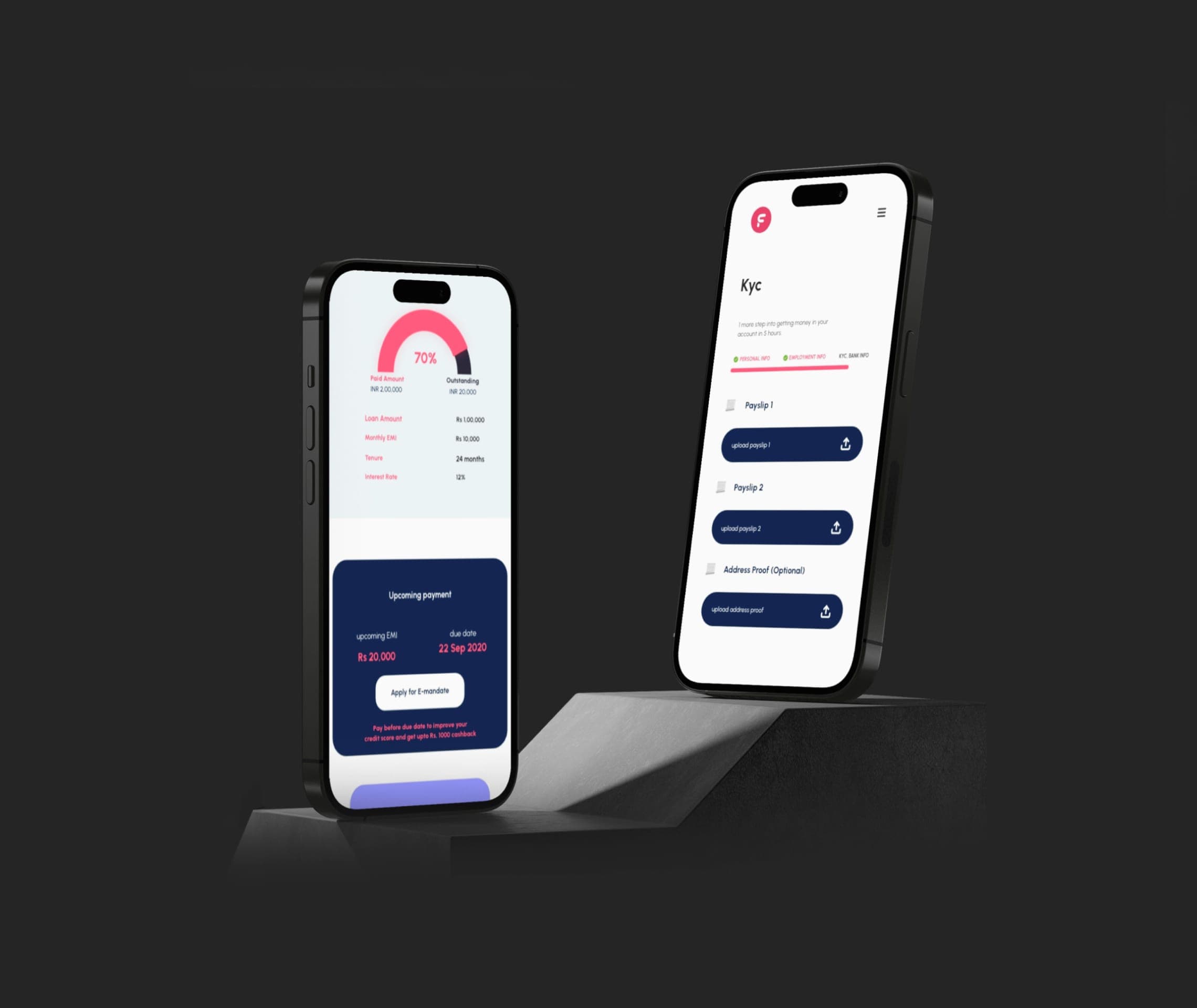
Reframed a loan application journey around trust, clarity, and fewer moments of hesitation.
Insane AI.
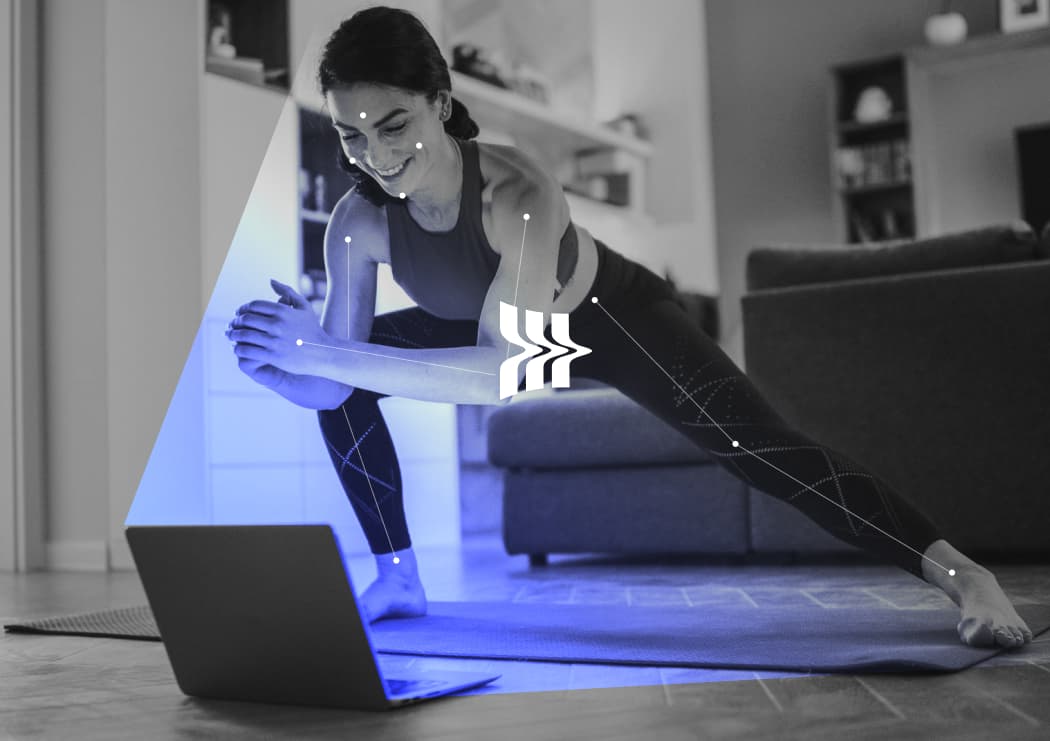
Rebuilt a motion-led fitness product foundation around brand, feedback, and repeat engagement.
Quambio.
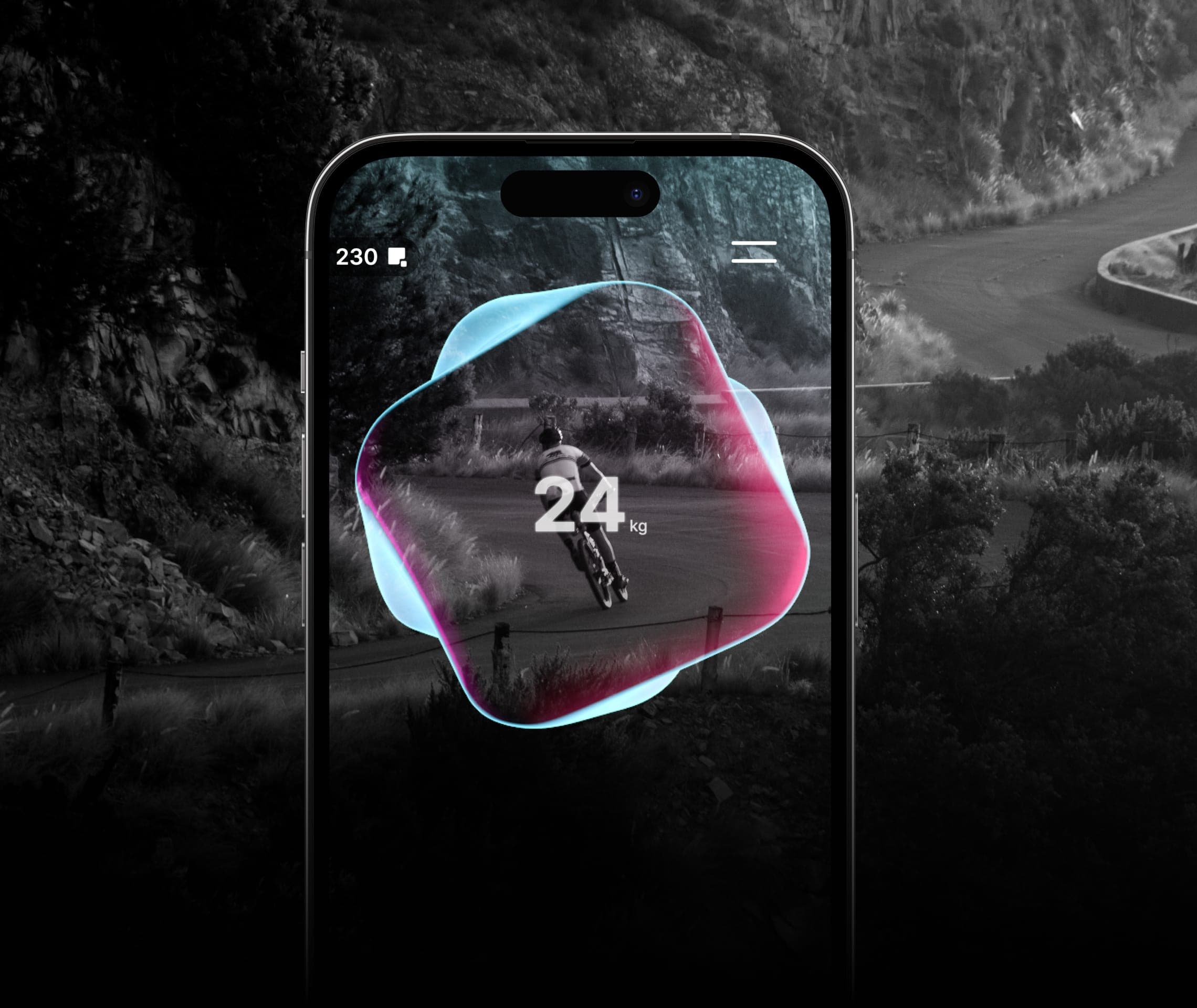
Turned carbon-saving commutes into a visual reward system people could understand and repeat.
How to create a culture for creative growth.
Shifting from output metrics to quality and learning to cultivate stronger design outcomes.